
Paula, the Amiga's sound chip
A500A1200OFF
MODs were made for her warm, rounded filter. Pick the A500 or the A1200 and a MOD sounds the way it came out of an Amiga.
MOD · XM · S3M · IT FOR IPHONE, ANDROID AND MAC
Modulo plays your modules sample-accurately, with the sound of a real Amiga, a live pattern that scrolls along and loops that land exactly right. On your phone and now on your Mac, from your own archive, no account needed.
FREE TO DOWNLOAD
Out now for iPhone, Android and Mac.
MOD·XM·S3M·IT
+ 60 MORE FORMATS
667 · 669 · AMF · AMS · C67 · CBA · DBM · DIGI · DMF · DSM · DSYM · DTM · ETX · FAR · FC · FC13 · FC14 · FMT · FST · FTM · GDM · GMC · GT2 · GTK · ICE · IMF · IMS · J2B · M15 · MDL · MED · MMS · MO3 · MPTM · MT2 · MTM · MUS · NST · OKT · OXM · PLM · PSM · PT36 · PTM · PUMA · RTM · SFX · SFX2 · SMOD · ST26 · STK · STM · STP · STX · SYMMOD · TCB · ULT · UNIC · WOW · XMF
Also when packed in UMX, XPK, PPM and MMCMP.
01 · EVERY SCREEN
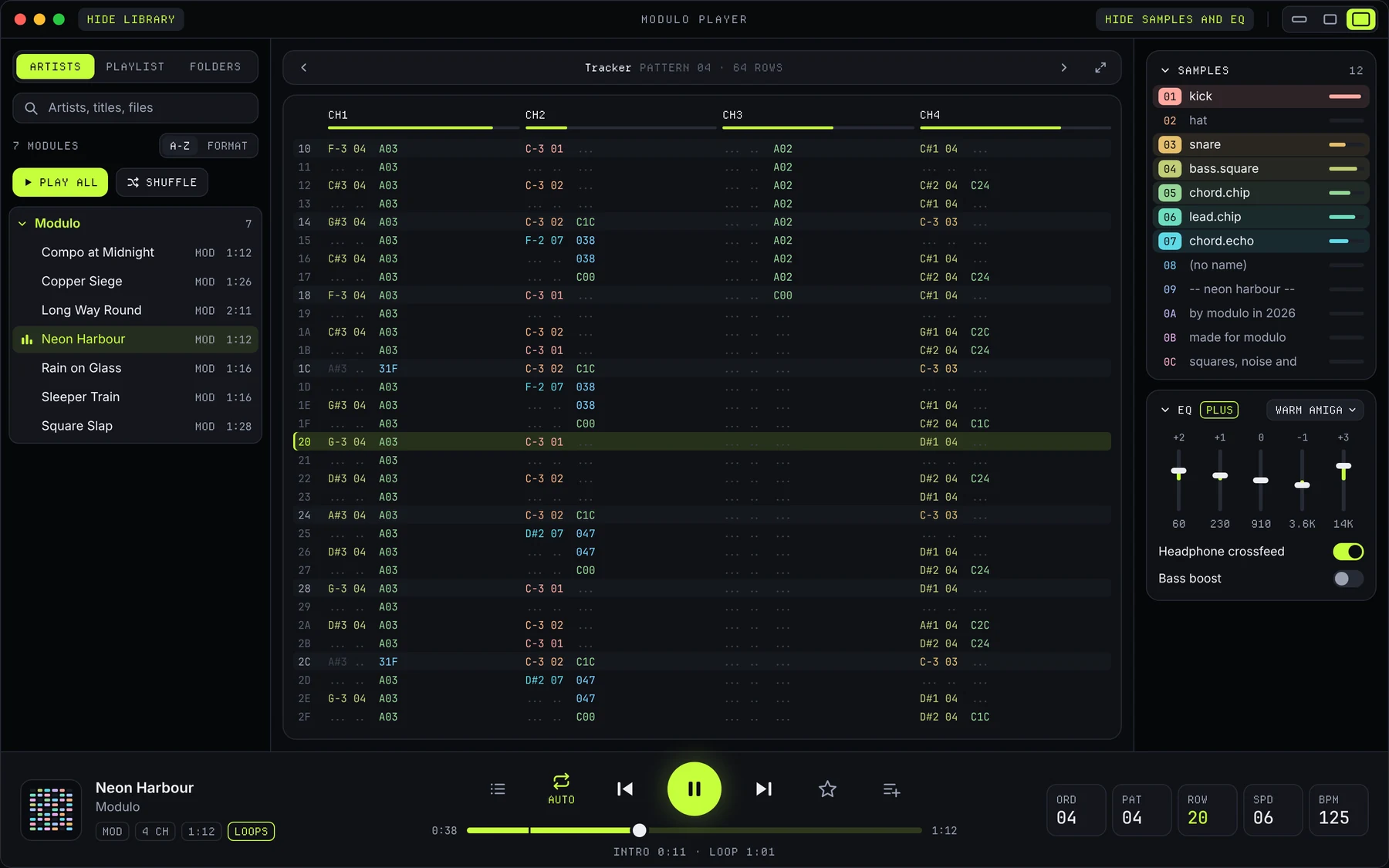
The same engine, the same library and the same twenty themes on iPhone, Android and Mac. On the phone it fits in your hand; on the Mac the window grows with what you want to see.
MAC · macOS 26+ · APPLE SILICON LARGE · MEDIUM · MINI
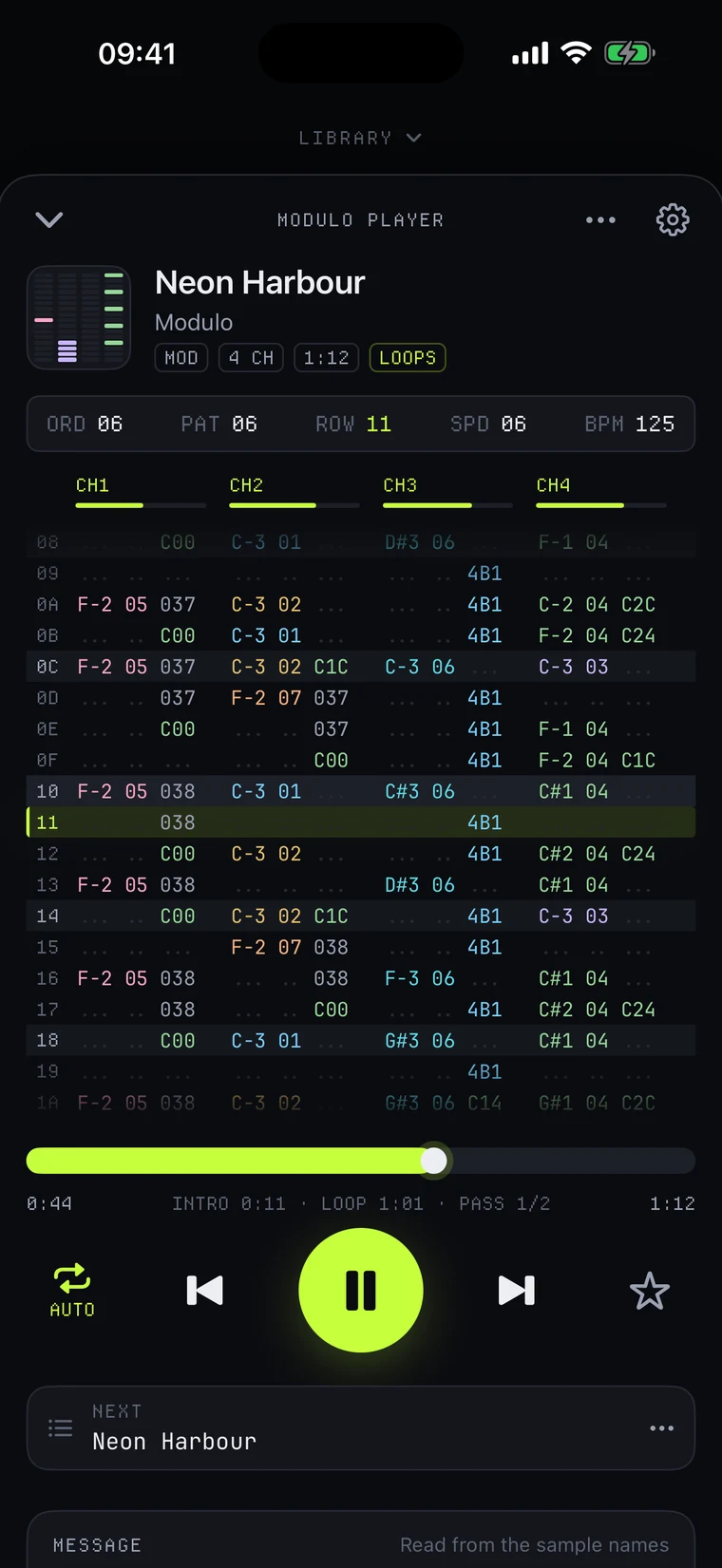
IPHONE · iOS 26+
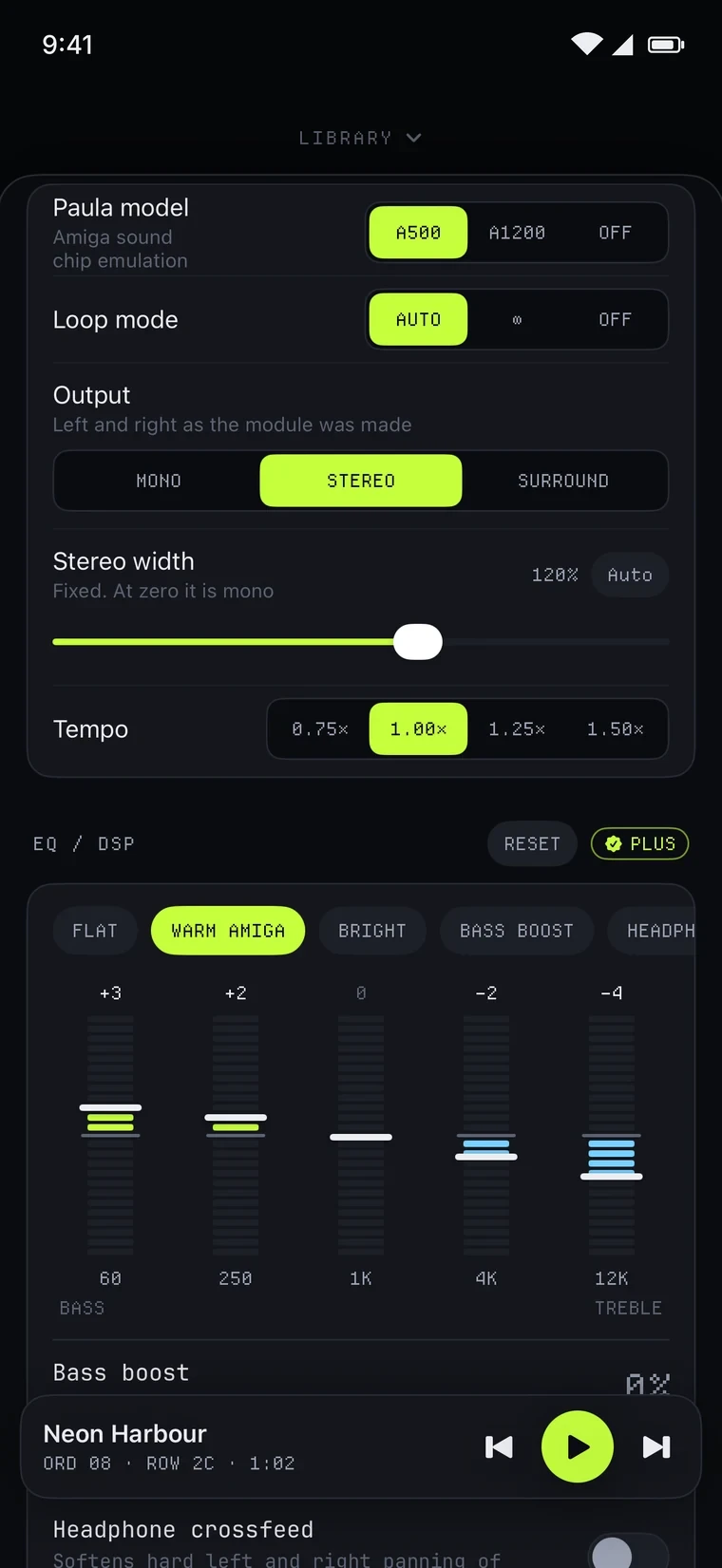
ANDROID · ANDROID 10+
02 · WHAT IT DOES
Built on libopenmpt. MOD, XM, S3M, IT and dozens of other formats sound the way their tracker meant them to.
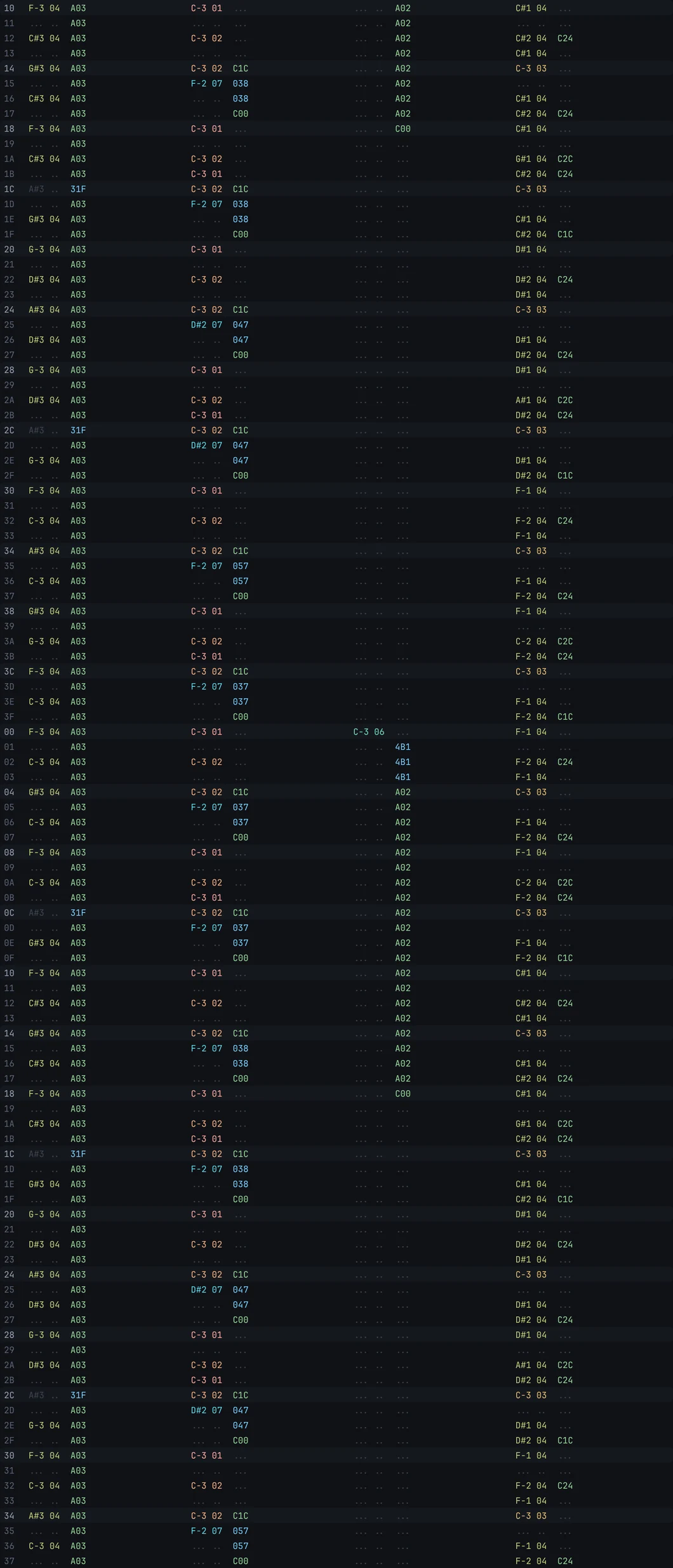
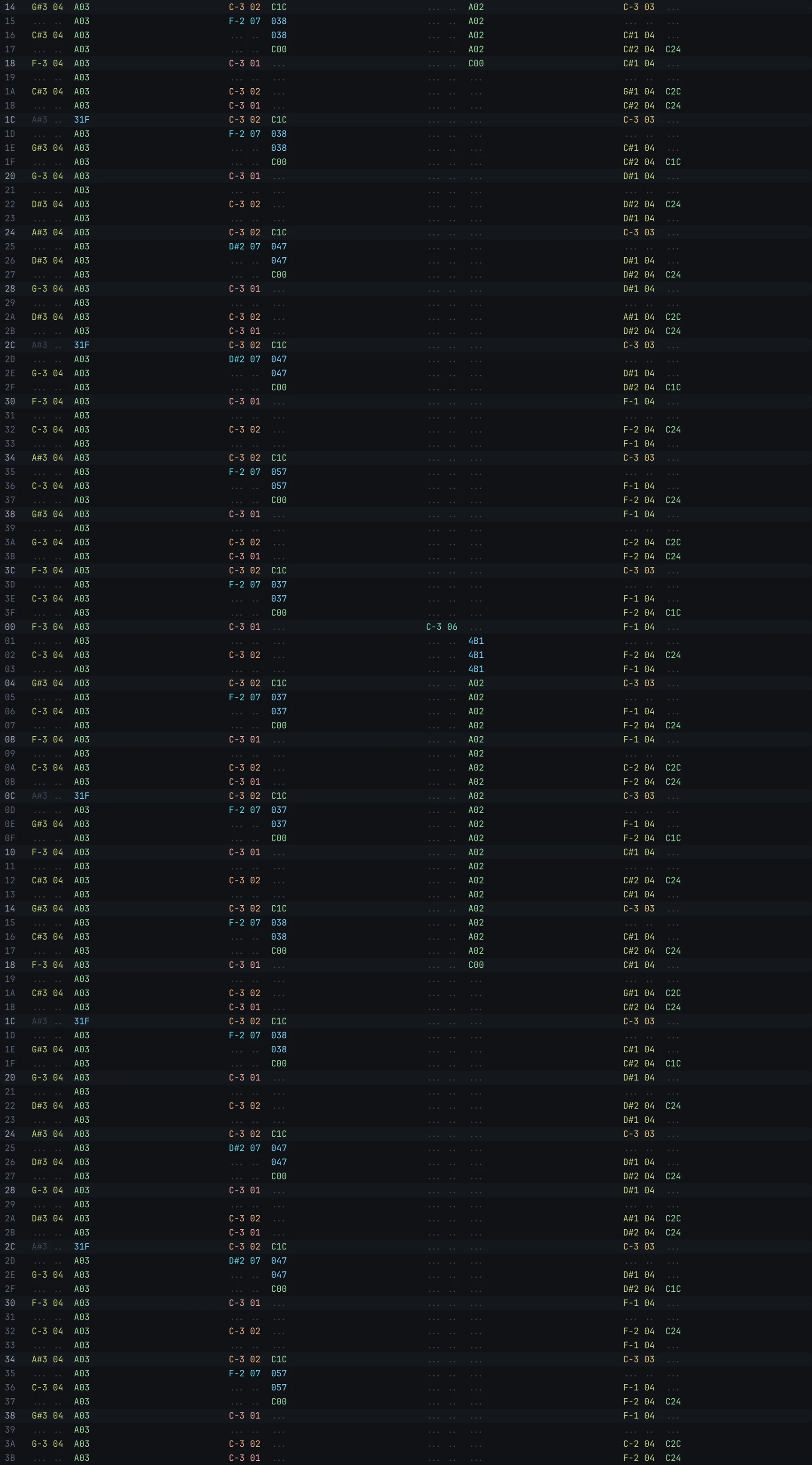
Notes, instruments and effects scroll by in sync with the sound, in the colour of their instrument.
Modulo recognises intro and loop. Auto plays a few rounds and fades out nicely, or pick ∞ or Off.
Link a folder on your phone or Mac, in iCloud Drive or on your NAS. Nothing gets copied.
By title, file name and sample name. Artists are found even without tags.
In the background, on your lock screen and in Control Center. Soft fades on pause and skip.
On headphones the stereo image gets narrower, so hard-panned MODs don't stick to one ear.
They travel with your backup, and export as a single .modulo-backup file.
03 · YOU SEE WHAT YOU HEAR
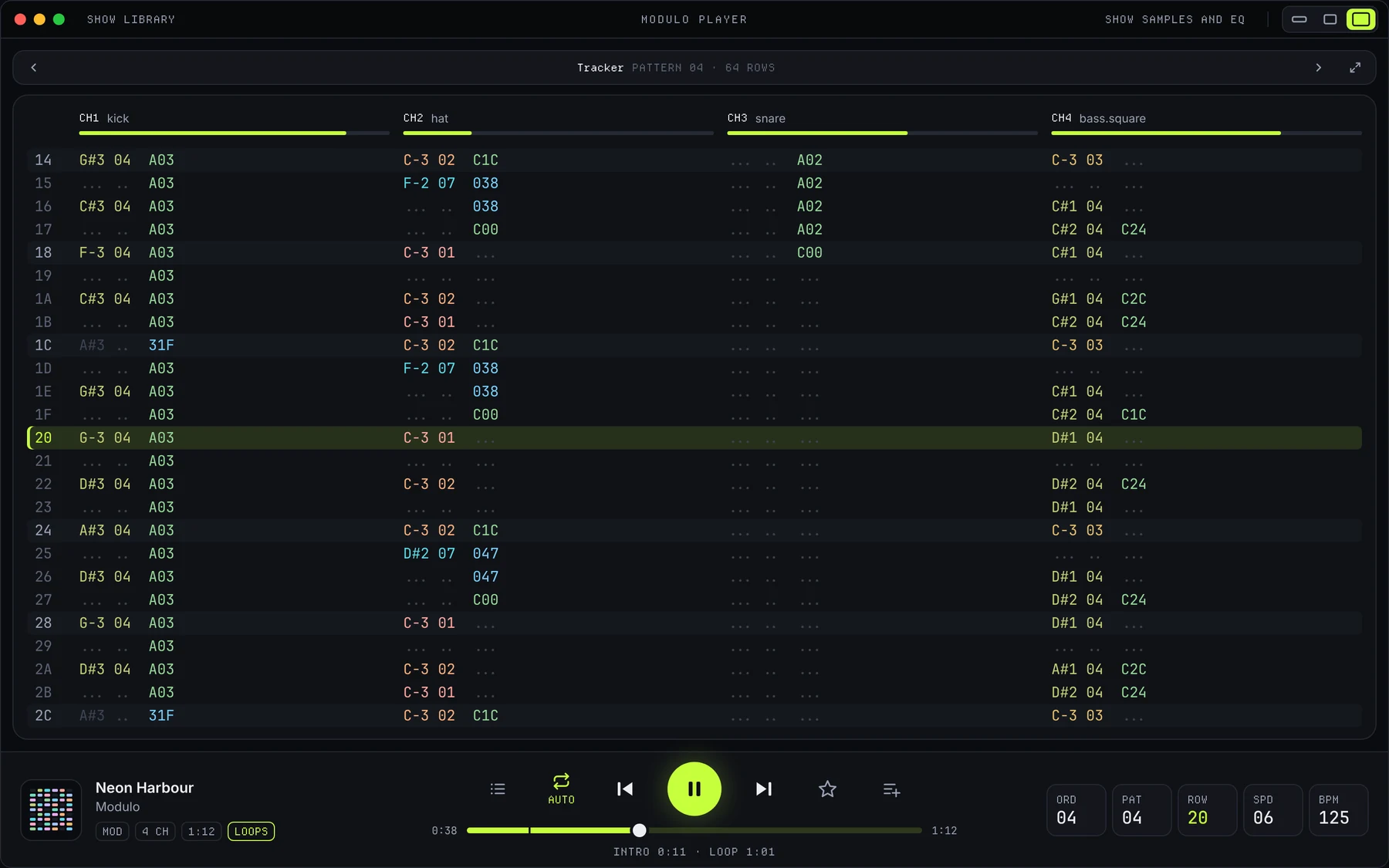
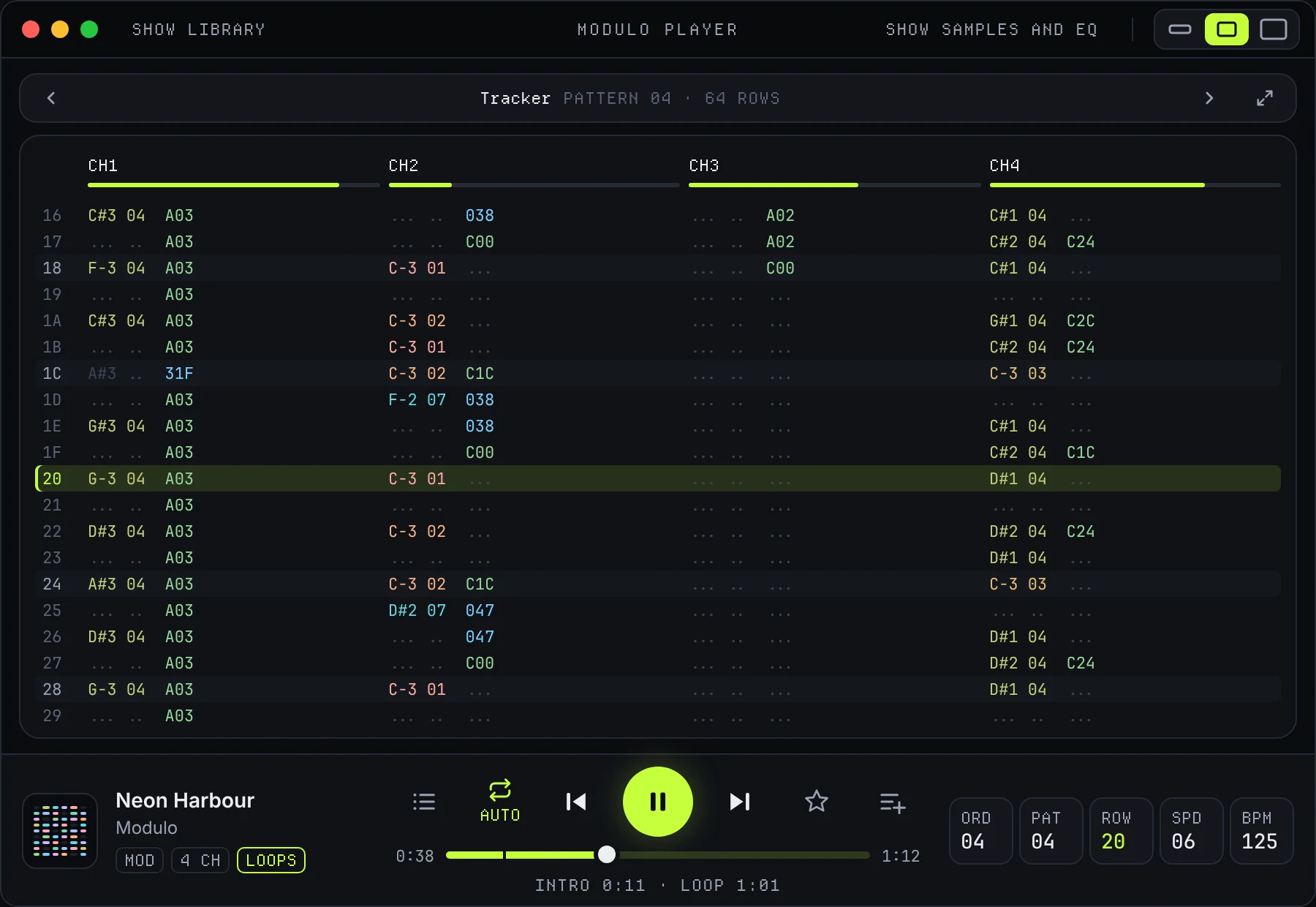
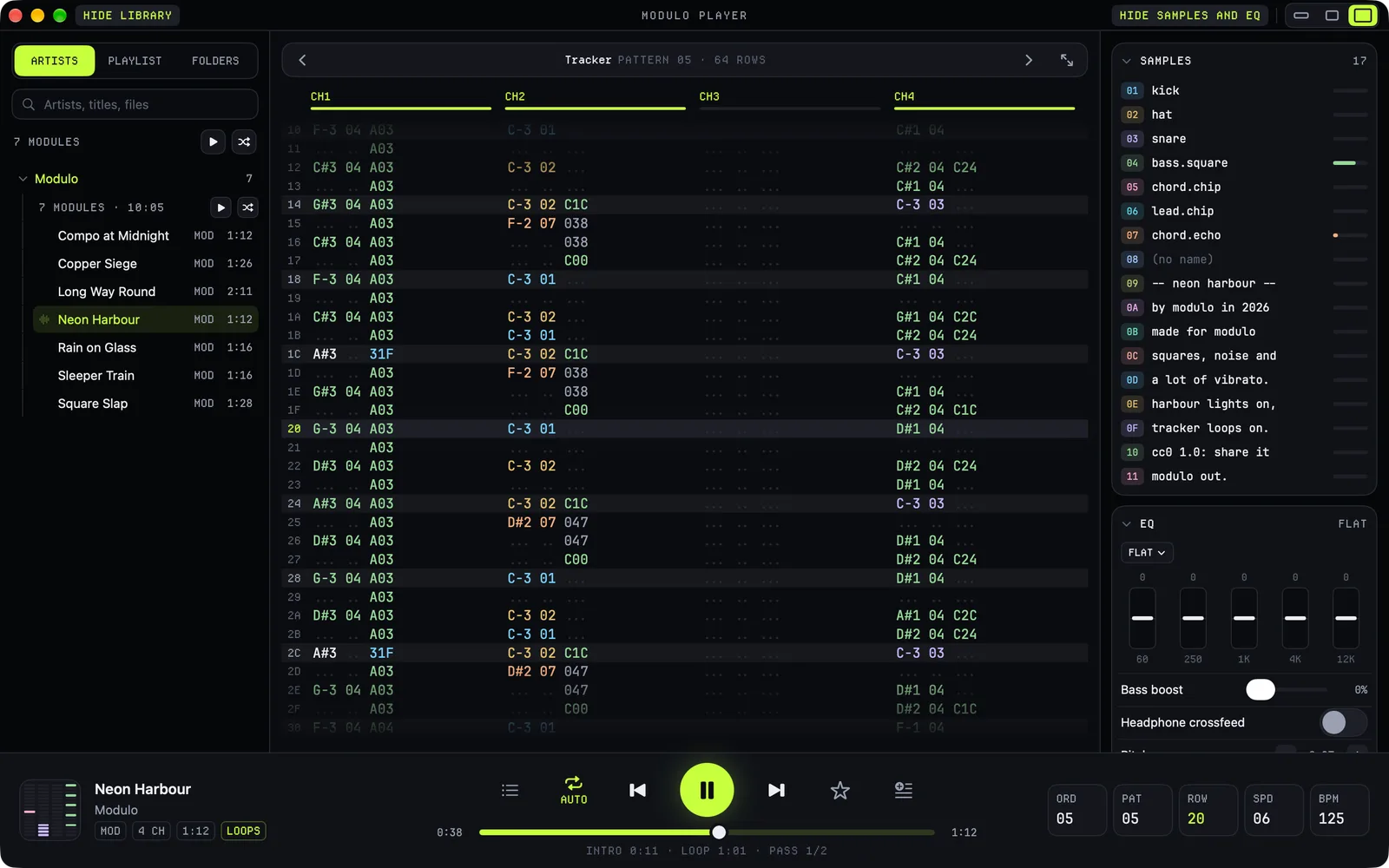
Notes, instruments and effects scroll by in sync with the sound, every instrument in its own colour, every effect in the colour of what it does. Turn your phone for the full tracker; on the Mac you see as many channels as the window holds. Click or tap a channel to silence it for a moment.
04 · VISUALIZERS
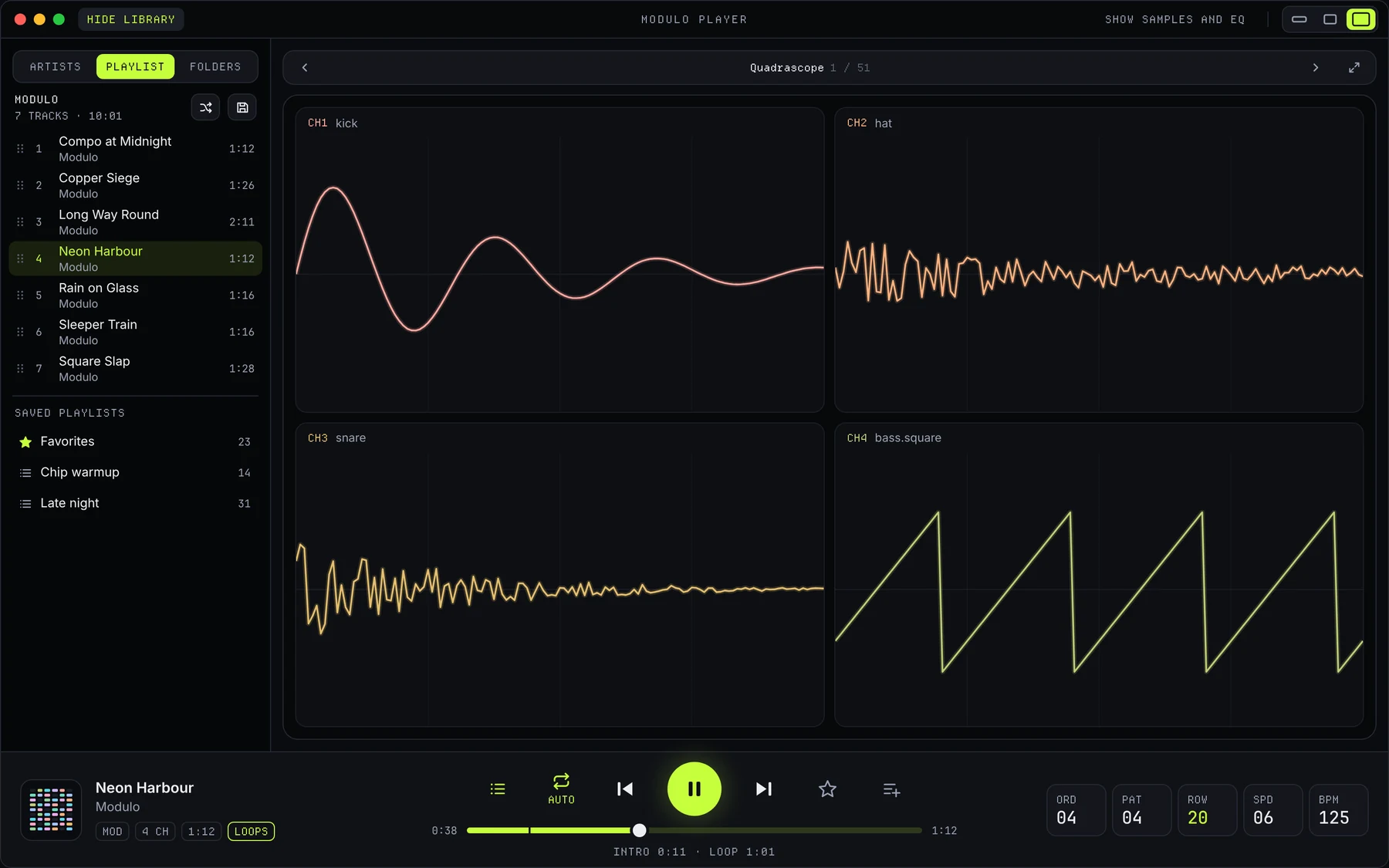
Scopes, bars, demoscene effects and little games, all playing along in time with the pattern. One bar picks what the stage shows: the tracker first, then every visualizer. Full screen with one click. Four are free, the rest come with Plus.
05 · ON THE MAC
Full screen on your MacBook or a strip on your desktop. Drag the edges and Modulo picks its layout: Large with the library and the samples, Medium for the tracker alone, Mini as a strip. Or press ⌘3, ⌘2 or ⌘1.
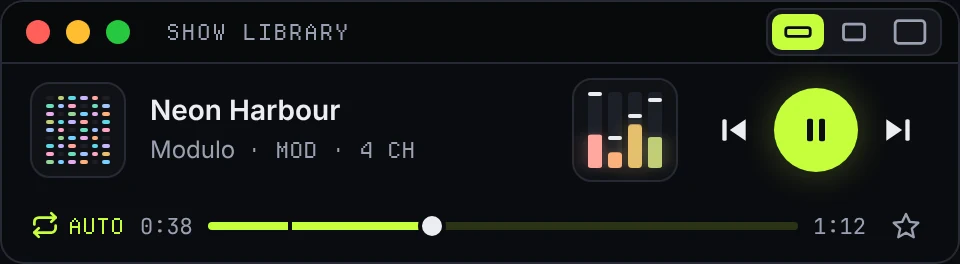
Modules play, folders get linked, zips and playlists are imported.
With a shortcut for each, and Settings in a window of its own.
What plays and the controls, one click away. With Plus.
The library and the panel step aside for the pattern or a visualizer.
06 · YOUR ARCHIVE
Your collection already lives somewhere. Link the folder and Modulo plays it right there, without copying or moving a thing.
Link a folder; whatever you put in it shows up in Modulo.
A folder in Finder, or shared with your phone.
A shared folder over SMB, on the same Wi-Fi.
Synology, QNAP and any other box that speaks SMB.
Link the folder on it; it plays while the drive is connected.
A folder on the device itself, such as On My iPhone › Modulo.
Modulo unpacks the modules into a folder of its own; the zip stays put.
A module from Files, Mail or AirDrop plays at once; on the Mac you drop it on the window.
07 · SOUND AND LOOPS
MODs were made for her warm, rounded filter. Pick the A500 or the A1200 and a MOD sounds the way it came out of an Amiga.
Modulo finds the intro and the loop. Auto plays a few rounds and fades out, ∞ keeps going, Off stops after one loop.
On headphones hard-panned channels move a little to the middle, so an old MOD doesn't stick to one ear.
08 · THEMES
The house look in dark and light, and eighteen more after the machines of the time: desktops, home computers, consoles, handhelds, a cassette sleeve, a DOS tracker, teletext, a drum machine, a hi-fi deck and a vector screen. A theme changes the whole app, down to its corners and its type.
09 · MODULO PLUS
Every format, the library, the pattern, Paula, stereo, the loop modes and tempo are free and stay free. Plus is a one-time purchase, no subscription, and it keeps a one-person hobby project going. Bought it on your iPhone? Then you have it on your Mac too.
Five bands with presets, bass boost, headphone crossfeed and pitch.
After classic consoles, computers and trackers.
All 51, not just the 4 free ones.
A track as MP3, AAC, OGG or WAV, with your sound settings.
On the Mac: what plays and the controls, a click away.
Every future theme and visualizer, at no extra cost.
10 · UPDATES
Modulo 1.2: now on the Mac, with twenty themes Modulo 1.2 is out on the iPhone, Android and, for the first time, the Mac. With seven new themes, twenty in all, and one Modulo Plus for your iPhone and your Mac. Modulo is coming to the Mac Next stop: the Mac. A native Mac app with the same engine and library as on the iPhone, in one window you can make as big or as small as you like. It is coming to the Mac App Store as version 1.2.0. Modulo 1.1: 50 visualizers that play along Fifty visualizers that move with your music, from copper bars and vector bobs to little games that play themselves on the notes. Plus Play all and Shuffle, playlists from every track and three new demo songs. 11 · PRIVACY
The app has no account, no tracking and no ads. Modulo only reads your music, never writes into your folders and sends nothing anywhere. Only this website counts visits.
DOWNLOAD
Bring your own modules, or start with the songs that come with it.